Hi-hat Sensor Inputs
After choosing a Hi-hat sensor type from the add menu in the hardware inputs panel, you'll see a small form to fill out with some information about the Hi-hat you want to add. Some of this info will help us set the right default settings for that cymbal type, and some of the info is just for you to keep your inputs organized.
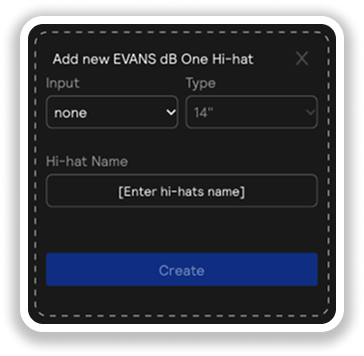
Sensor Input Parameters
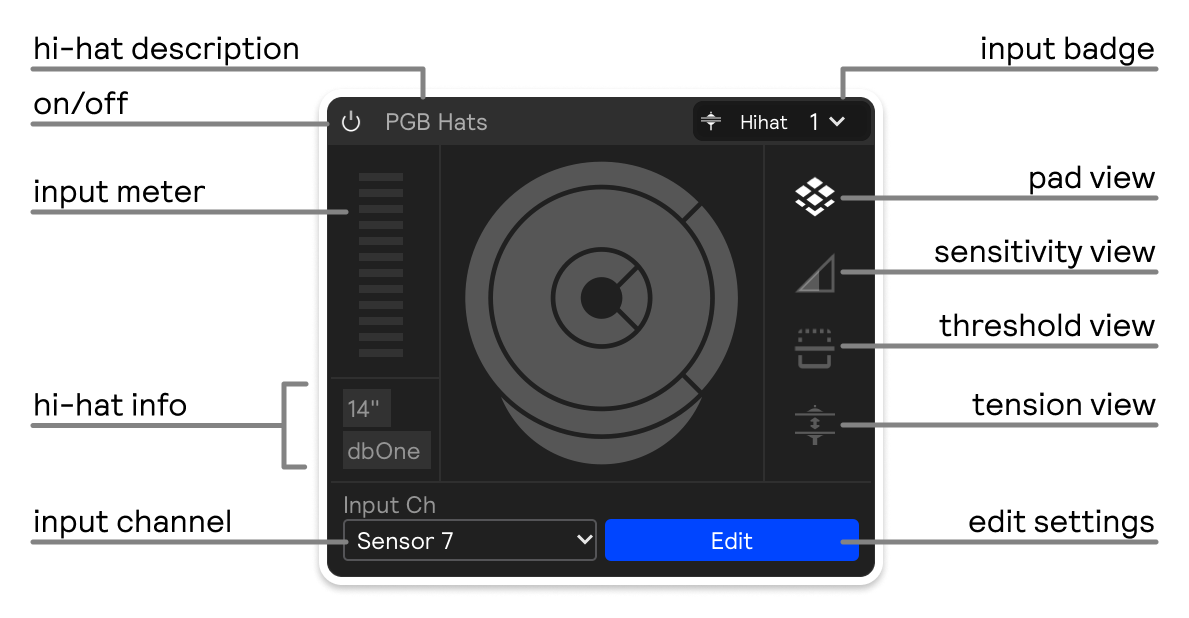
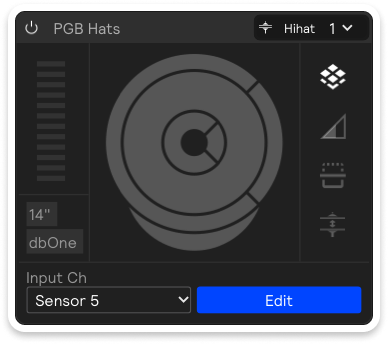
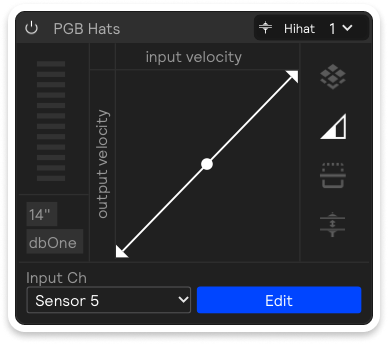
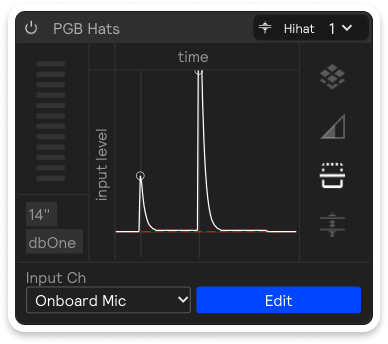
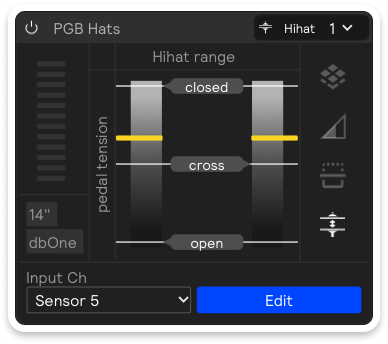
On the right side of the sensor input, you can toggle between Pads, Sensitivity, Threshold, and Tension views:
- Pads
- Sensitivity
- Threshold
- Tension