Phaser
The Phaser sweeps a series of notches through the frequency spectrum using modulated all-pass filters, giving the signal a swirling, jet-like motion.
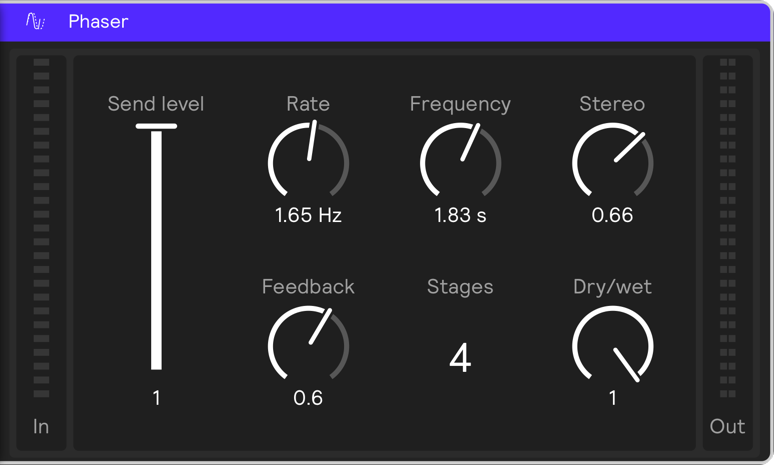
Parameters
Send Level
Reduces the gain of the audio input to the effect. Unlike adjusting Dry / Wet, modulating send level preserves any audio tails.
Voices
Increases or decreases the number of phasing filters.
Rate
Controls the speed of the modulation.
Feedback
Governs the level of modulated signal that is sent through the system again.
Stereo
Widens the left–right panning range of the effect.