Gain Utility
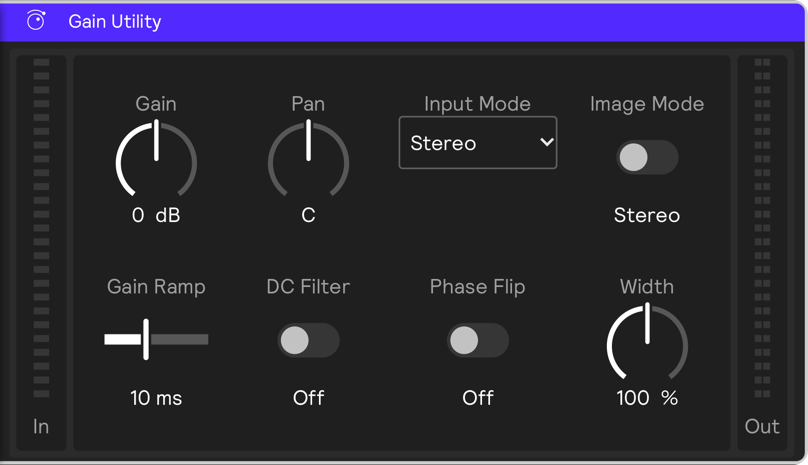
The Gain Utility effect is a simple gain control that can be used to boost or cut signal volume and apply stereo processing.
Parameters
Gain
Sets the amount the signal is boosted or cut in dB.
Pan
Sets the position of the signal in the stereo field.
Gain Ramp
Sets the amount of time it takes for the gain to reach the desired level.
DC Filter
When enabled, removes any DC offset from the signal.
Phase Flip
When enabled, flips the phase of the signal, which may aid phase cancellation. This will not be audible unless other nearly identical signals are sounding simultaneously.
Input Modes
Input Mode takes the stereo input channels and passes them in the following ways:
- Stereo mode is the default mode. This mode leaves left and right channels unchanged.
- Flip reverses the left and right channels.
- Sum (mono) sums the left and right channels to a mono signal.
- L (mono) takes only the left channel signal for use as a mono signal.
- R (mono) takes only the right channel signal for use as a mono signal.
Image Modes
When Input Mode is Stereo or Flip, Image Modes are available to manipulate the stereo image. Choose between Width and Mid/Side.
- Width allows you to increase or decrease the stereo image. 0% yields a mono signal and values above 100% widen the sound.
- Mid/Side allows you to crossfade between sum (center) and difference (side) of L and R.